PDF
New hire payroll forms checklist
A one-page checklist that covers Form W-4, Form I-9, direct deposit authorization, and state withholding forms, perfect to run through before a new hire's first day.
Download checklistU.S. payroll form help
Starting a new job, hiring an employee, changing tax withholding, or setting up direct deposit? Pick your situation and we will hand you a short list of the payroll forms that actually apply, plus the official IRS, USCIS, SSA, or state agency source to verify each one.
Independent payroll form guide. Not affiliated with the IRS, USCIS, SSA, or any state tax agency.
These PDFs are original Payroll Form Hub checklists for organizing the next step. Official government payroll forms should still be downloaded and verified on the official agency website.
A one-page checklist that covers Form W-4, Form I-9, direct deposit authorization, and state withholding forms, perfect to run through before a new hire's first day.
Download checklistUse Payroll Form Hub to understand which payroll form may apply and what to check next. It is not tax, legal, payroll, HR, or immigration advice. Always verify forms and instructions with the official agency, your employer, or a qualified professional before submitting anything.
Start with what just happened in your work life, then pick the payroll form that goes with it.
Almost every new hire in the U.S. needs the same small stack of payroll forms: a federal Form W-4 for income tax withholding, a Form I-9 for work authorization, a direct deposit authorization for the bank account that will receive each paycheck, and, if the work state collects income tax, a state withholding form on top of the federal W-4. Use the finder to confirm the list before the first payroll run so nothing is missing on day one.

Marriage, a new dependent, a second job, a move to another state, a refinanced mortgage, or a new bank account can all change which payroll forms you should review. A new W-4 may be enough, but you may also need a fresh state withholding form, a new direct deposit authorization, or both. The finder helps you spot the right updates before the next pay run instead of fixing things after a wrong paycheck arrives.
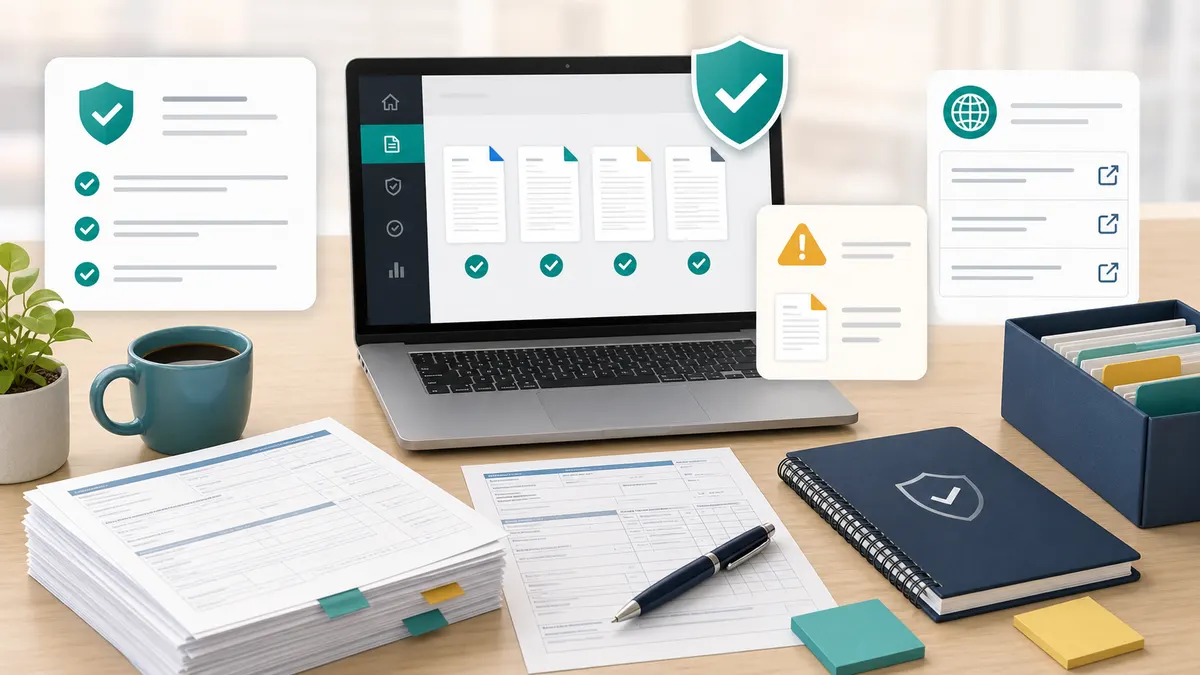
A simple path from real-world event, to the right payroll form, to the right place to send it.
Most people search for a form number when they really need a task. Start instead with the event in front of you: a new job, a new hire, a withholding change, an I-9 verification, a direct deposit setup, a contractor payment, or a year-end wage statement. Then let that decide which payroll forms to read.
Each payroll form guide on this site explains who usually completes the form, who it gets submitted to, what information to prepare, and which official source to verify against. From walking through dozens of new-hire packets, the single most common mistake we see is filling out a Form W-4 from the previous tax year, or finishing Form I-9 Section 2 outside the three-business-day window. Reading the focused page first saves a re-submission later, especially for Form W-4, Form I-9, and state withholding forms.
Payroll forms collect Social Security numbers, taxpayer identification numbers, immigration document numbers, and bank account details. Do not type them into random websites or email them as attachments. Submit completed payroll forms through your employer's HR portal, your payer's official process, or the agency's official channel.
Payroll Form Hub never asks for SSNs, ITINs, bank numbers, or immigration document numbers. The Direct Deposit Form generator runs entirely in your browser.
Open the page that matches the payroll task in front of you.
Decide whether to file a new Form W-4 today, check 2026 W-4 form status, or track the upcoming 2027 W-4 release.
Understand Form I-9 timing, employee Section 1, employer Section 2, and which acceptable documents satisfy List A, B, and C.
Create a printable direct deposit authorization locally in your browser. No bank account number ever leaves your device.
Find common state employee withholding payroll forms such as CT-W4, NJ-W4, IL-W-4, DE 4, and IT-2104, with official state sources.
Browse common U.S. payroll forms by use case when you are not sure which one applies to your task yet.
Know when to use this site for orientation and when to rely on IRS, USCIS, SSA, state agency, or employer payroll instructions instead.
Browse common payroll forms by situation.
Review federal withholding before you give W-4 to payroll.
Understand the next Form I-9 step for a job or new hire.
Create a printable payroll deposit authorization locally.
Find the state withholding form to verify.
Short, honest answers to the payroll form questions that come up most often.
No. Payroll Form Hub is an independent guide and is not affiliated with the IRS, USCIS, SSA, or any state tax agency. We point you toward the right payroll form and then link to the official source to verify and download.
Most new employees see at least four payroll forms: federal Form W-4 for income tax withholding, Form I-9 for work authorization, a direct deposit authorization for payroll, and, in many states, a state withholding form in addition to the federal W-4.
It can shortlist likely payroll forms and explain the usual next step, but the final answer depends on your employer's policy, the official agency instructions, and your personal situation. Confirm with your employer, payer, or a qualified professional before submitting.
No. The direct deposit form generator runs entirely in your browser and does not store or transmit bank details. The other tools intentionally do not ask for SSNs, ITINs, or immigration document numbers. They only collect the high-level task you are trying to complete.
Use the finder first to shortlist the right payroll forms, then open the focused guide that matches your situation before you send anything to payroll.
General information only. Always verify payroll forms with the official source before submitting them.